Cancel Scheduled Payments on MyMacCo
Follow the steps below to cancel a scheduled payment on MyMacCo:
- Sign in to your MyMacCo profile and select County Treasurer's Office from the "Services" drop down menu

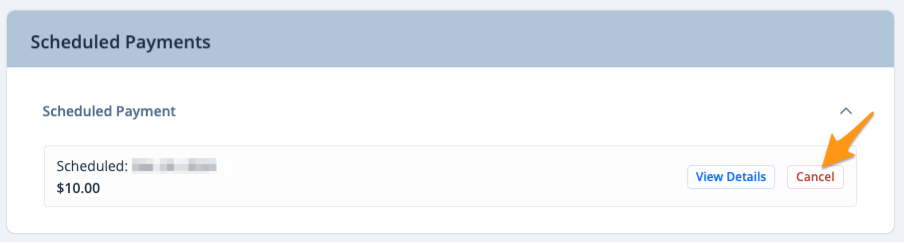
- Scroll down to the "Scheduled Payments" section and click Cancel next to the applicable scheduled payment
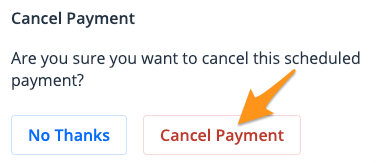
- Click Cancel Payment to confirm